What Is a CV?
A CV (Curriculum Vitae) is a Latin term meaning "course of life." It is a professional document used in job applications that summarizes your education, work experience, skills, and achievements. It is the first resource employers look at to get to know you. Essential for job applications worldwide, a CV can now be easily created with online tools.
A well-crafted CV does more than just list your information — it reflects your professional identity, career goals, and potential. That is why taking a careful and strategic approach when preparing your CV is of great importance.
Why Is a CV So Important?
In the business world, first impressions are everything. HR professionals must select the best candidates from hundreds of applications every day. Your CV is the most powerful tool that sets you apart from other candidates.
How to Create a Professional CV?
Creating an effective CV is a systematic process. Follow these steps to build a professional and attention-grabbing CV:
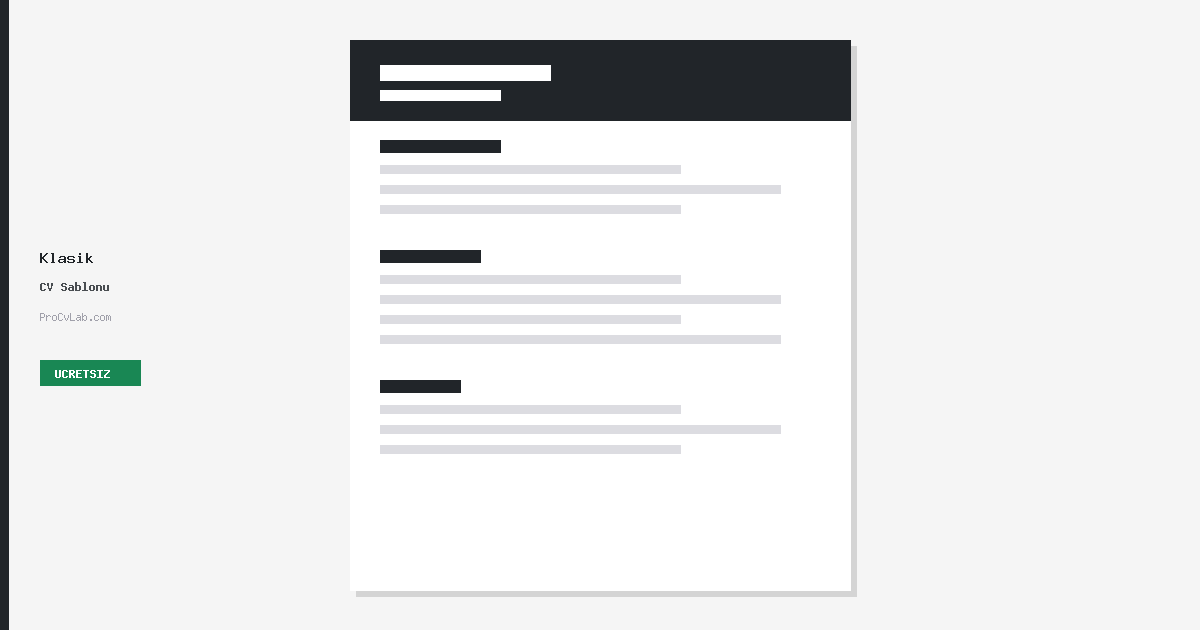
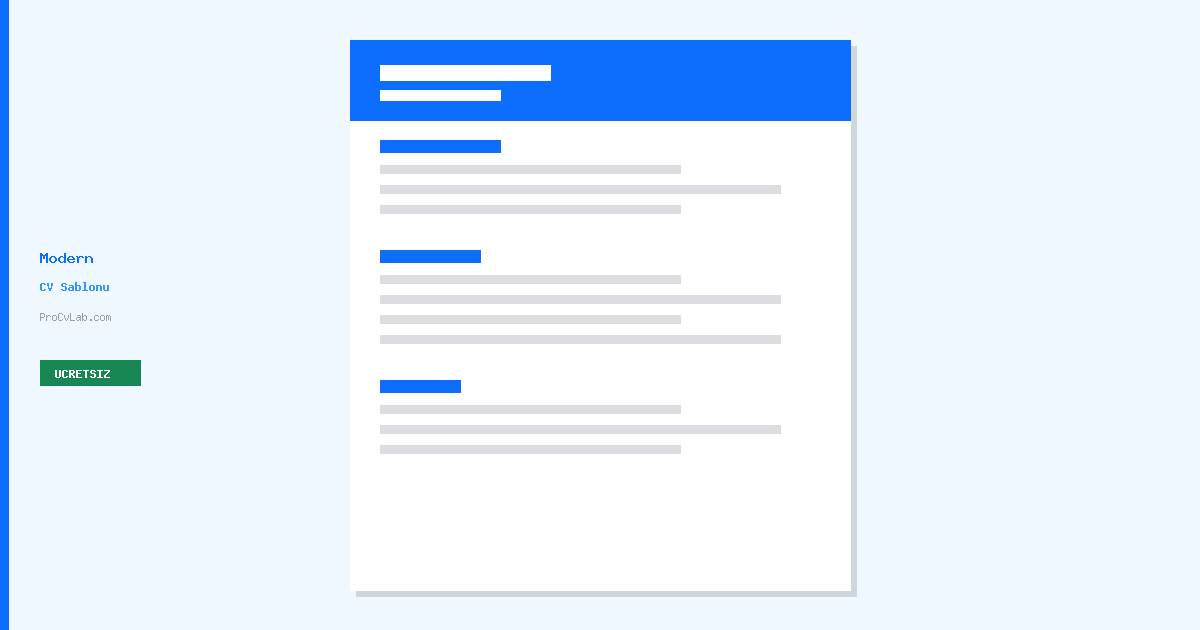
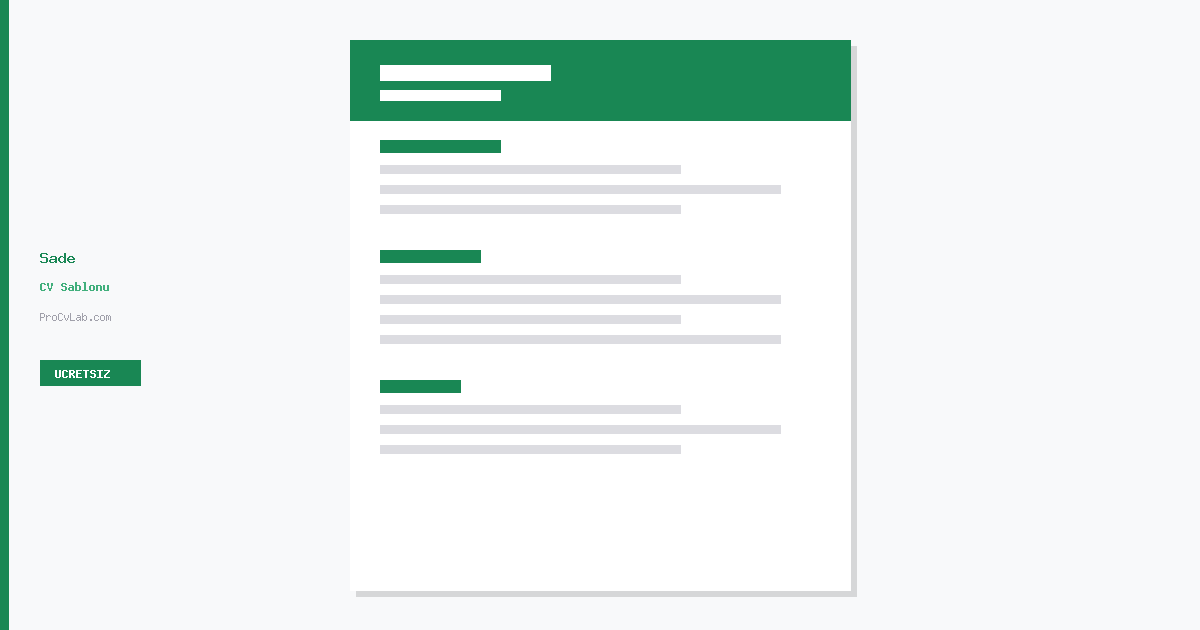
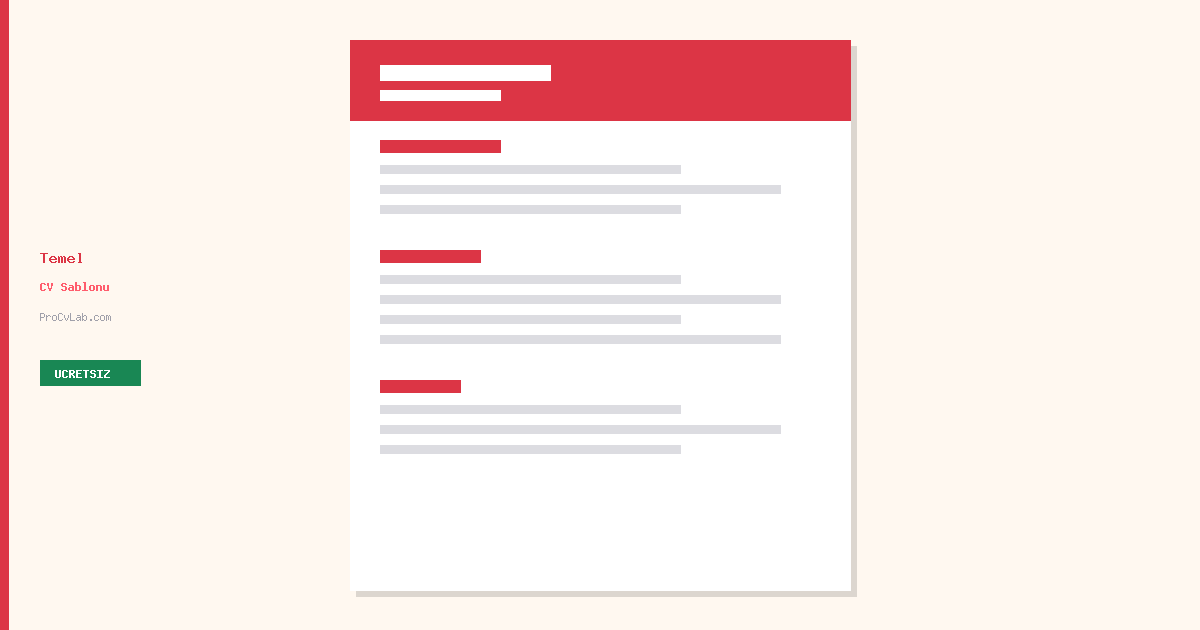
Choose the Right Template
Selecting a template that fits your industry and target position is the first step. Opt for clean, professional templates for corporate roles and more modern designs for creative industries.
Add Your Personal Information
Include your full name, phone number, email, and city. Don't forget to add your LinkedIn profile and portfolio website if you have one. Avoid unnecessary personal details like national ID or marital status.
Write Your Work Experience
List your experience in reverse chronological order, starting with your most recent role. For each position, include the company name, job title, dates, and quantifiable achievements.
Add Your Education
List your university education and above. Include your GPA if it's notable, honours received, relevant coursework, thesis, or projects.
List Your Skills and Competencies
Separately list technical skills (programming languages, software), language abilities, and soft skills (leadership, communication). Specifying proficiency levels adds credibility.
Review and Download as PDF
After completing your CV, check for spelling errors, ensure formatting is consistent, and download it as a PDF. PDF format guarantees the same appearance across all devices.
Start creating your professional CV now
Create Free CVEssential Sections of a CV
A complete CV should consist of the following sections. Writing each section correctly and effectively directly impacts the success of your application.
7 Critical CV Writing Mistakes to Avoid
Avoiding these mistakes can significantly increase the impact of your CV:
Even a single typo can undermine your professionalism. Always proofread your CV multiple times.
One page is ideal for recent graduates. Experienced professionals can use two pages. Don't pad it with unnecessary information.
Tailor your CV for each application. Avoid sending the same CV everywhere.
Instead of "Worked in the sales department," write "Exceeded annual sales target by 25%, generating $500K in revenue."
Different fonts, alignment issues, and inconsistent date formats undermine your professionalism.
Some industries expect a photo. If you include one, use a professional, current headshot appropriate for the workplace.
A current phone number and professional email address are essential. Avoid addresses like "coolboy2005@."
Start creating your professional CV now
View All TemplatesCV Tips for Your Career Level
For Recent Graduates
Focus on internships, volunteer work, university projects, and extracurricular activities. Highlight your education section. Emphasize transferable skills. Clearly state your career objective.
For Experienced Professionals
Focus on the most relevant experience from the past 10-15 years. Highlight leadership roles, team management, and measurable achievements. Use industry keywords naturally.
For Career Changers
Consider using a functional CV format. Highlight transferable skills relevant to the new field. Emphasize related training, certifications, and volunteer work. Explain your motivation for the career change in the summary section.
Create Your CV in 3 Steps with ProCvLab
No complex software needed. Create your professional CV in minutes with ProCvLab.
Choose Your Template
Select the template that best fits your industry from our collection of free and premium professional CV templates.
Enter Your Information
Fill in our step-by-step form. With auto-save, your data is never lost.
Download as PDF
Preview your CV, download it as PDF, or have it sent directly to your email. The entire process is GDPR compliant.
Our Professional CV Templates
Create your professional CV right away with our free and premium templates.
 Free
Free
 Free
Free
 Free
Free
 Free
Free
Frequently Asked Questions
Create Your Professional CV Now
Thousands of users have created their professional CVs with ProCvLab. It's your turn! Get started with free templates today.
Create Free CV